
Virtual Try-On
Use photos to visualize clothing and explore different looks. Try-on results are AI-generated creative previews.
AYA · AI creative studio
AYA is an AI creative tool that turns your ideas, photos and videos into new visual content. Generate images and videos, animate a photo, make a portrait speak, edit a scene or try on an outfit virtually — in one app.
Made for creators, individuals and brands. Available on web, iOS and Android. Account sign-in may be required to create content.
This app homepage, our Privacy Policy and our Terms of Use are public. You do not need an AYA account or Google sign-in to read them.
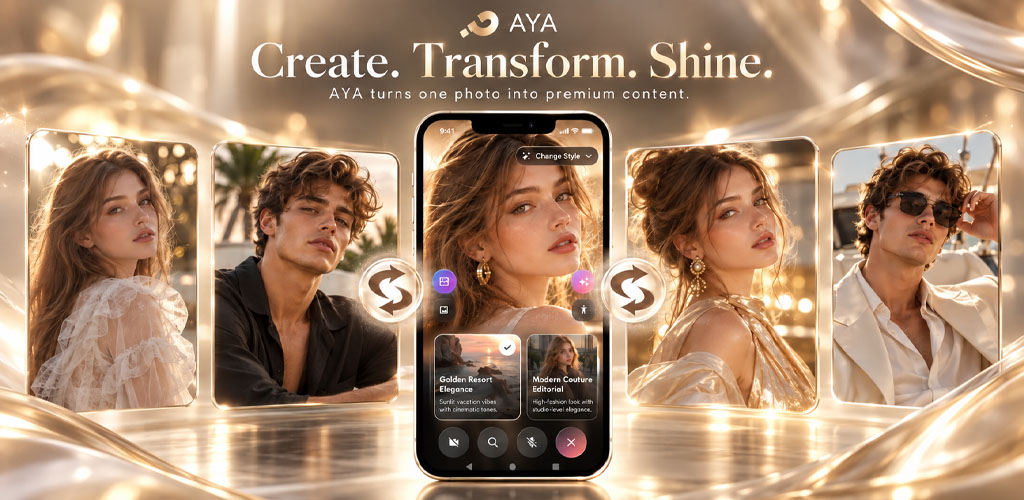 Imagine · Create · Transform
What AYA does
Use AI creation and editing tools to experiment with portraits, outfits, scenes and videos. Features and usage limits depend on your plan and available coins.
Use photos to visualize clothing and explore different looks. Try-on results are AI-generated creative previews.
Reimagine the background of your images and explore different settings.
Turn a written idea or a still image into a video. Add motion, explore transitions or extend an existing clip.
Transform image details, styling and visual composition with AI.
Explore creative concepts with people, poses and multi-person compositions.
Bring a portrait or character to life. Create talking photos and match mouth movements to audio with lip sync.
Describe an idea to create an image. Explore portraits, avatars, visual styles, product concepts and fashion inspiration.
Combine ideas and images to explore a new composition or creative direction.
Keep creations in your library, download images and videos, or choose to share them through sharing and community features.
How it works
Open AYA and select the image or video workflow that fits your goal.
Write your instructions or select the photos, video or audio needed for that tool. Only submit content you have permission to use.
AYA processes your request using cloud and AI services. Review the result, then save, download or share it if you choose. AI results can vary.
Your data, explained
AYA uses account information to provide your account and uses the content you submit to perform the creative feature you request. The data needed depends on how you use the app.
You control what you submit. For retention periods, service providers, deletion and your privacy rights, read our Privacy Policy.
To delete your account, use the controls in AYA, visit account deletion or contact contact@ayavogue.com.
Responsible creativity
AYA is intended for creative, consensual use of images and videos. Only upload or edit images you have the right to use, and obtain permission before using someone else's likeness.
AYA prohibits non-consensual intimate imagery, including AI-generated intimate images of real people without their permission, as well as sexual exploitation, impersonation intended to cause harm and other abusive content.
Create with AYA
Explore AYA in your browser or download the mobile app. Signing in and a paid plan or coins may be required for certain features.
Open the web app →